Agentic Contract Lifecycle Management
Every contract reviewed against your playbook, before a lawyer opens it
- Works with SharePoint, DocuSign, Slack
- Deploys to AWS and Google Cloud
- SOC 2 Type II attested
Details
- Built by
- Cenna
- Department
- Legal
- App type
- Prebuilt app
- Deploys to
 AWS
AWS Google CloudAzure coming soon
- Works with
- SharePoint, DocuSign, Slack, and more
- Source code
- Included
- Sign-in
- Your SSO
Overview
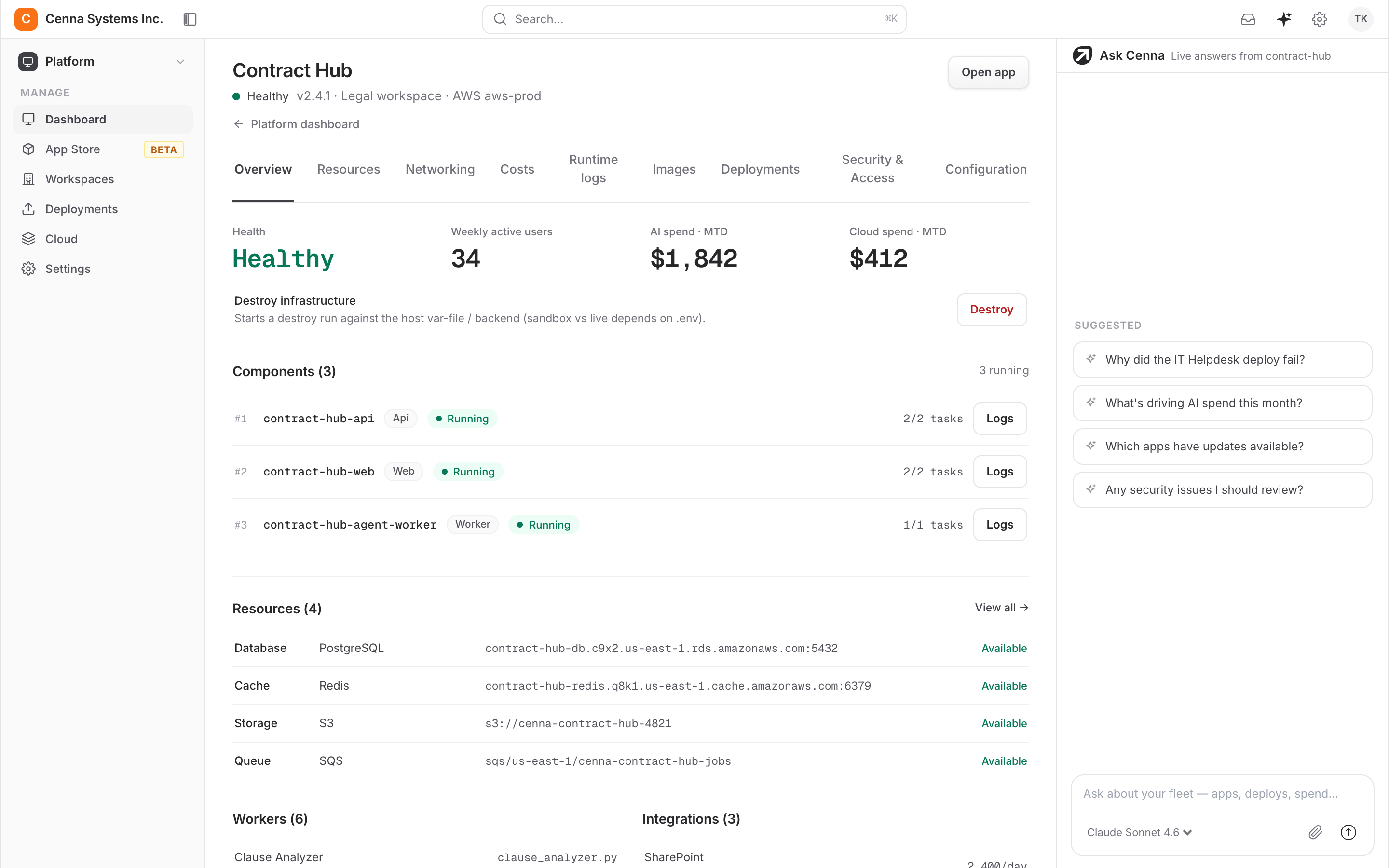
Agentic CLM reads every incoming contract against your playbook, flags clauses that fall outside it, drafts the redline, and tracks obligations after signature, so your lawyers start from a reviewed draft.
- Your playbook is the standardEvery review runs against the playbook your team maintains in plain language, so off-standard means off your standard. Your team updates the playbook directly.
- Lawyers stay in WordThe redlines, comments, versions, and approvals live in the document your lawyers already have open. Nobody learns a new tool to review a contract.
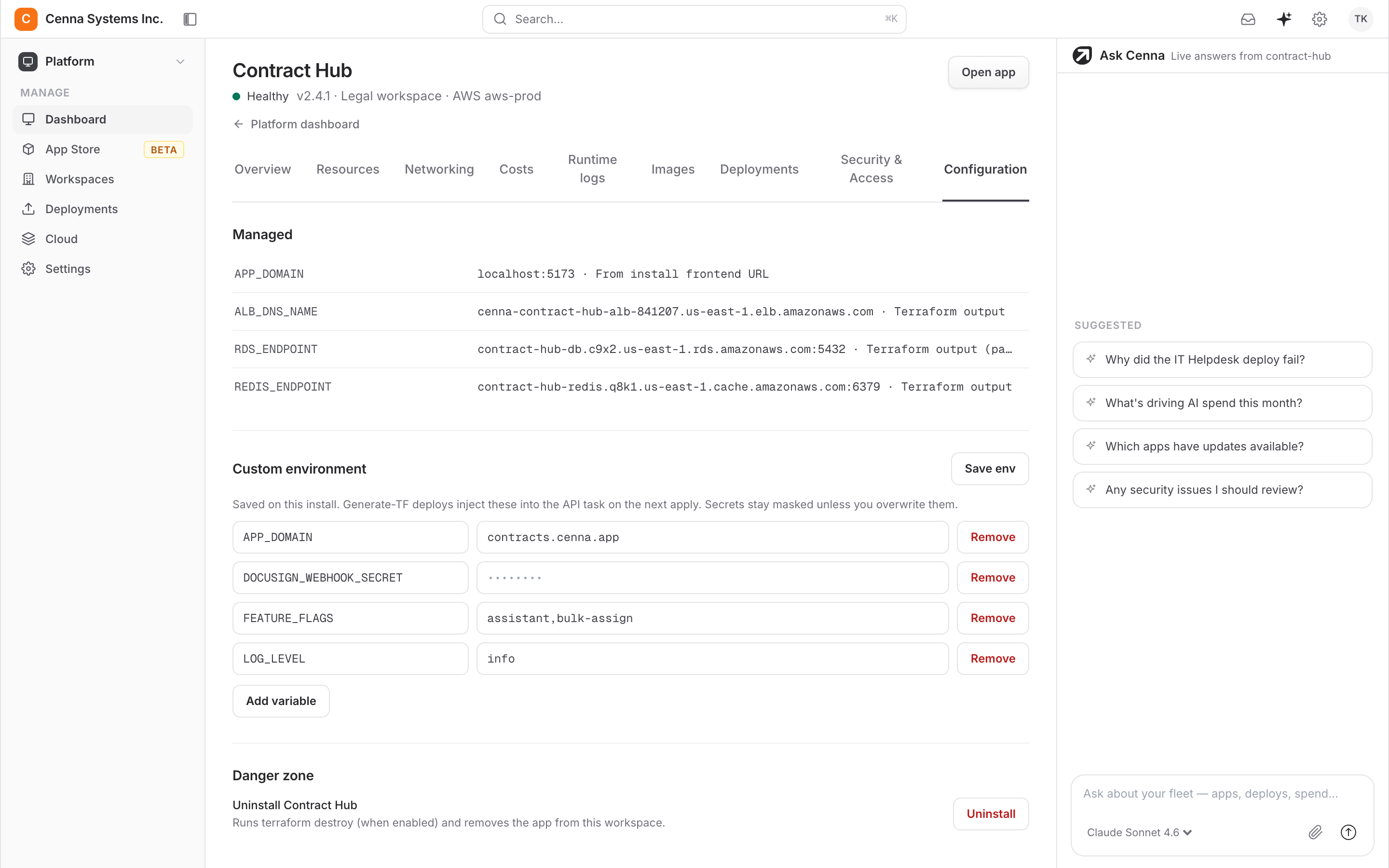
- Connects to your contract stackSharePoint, DocuSign, and Slack each connect with an explicit scope, usually in a day, and contracts stay where you already keep them.
Review contracts in Microsoft Word
The Cenna add-in sits in the Word sidebar, where the agent reviews the draft, redlines in place, and threads comments and approvals with your team, version by version.
What changes
Before
Every contract starts from a blank review
- A lawyer reads all 42 pages before flagging anything
- Off-standard clauses caught only if someone remembers the playbook
- Obligations tracked in a spreadsheet, if at all
- Renewal dates missed until the auto-renew fires
With Cenna
The first pass is already done
- Every clause checked against your playbook before a lawyer opens it
- Off-standard terms flagged with the section they break
- Obligations and dates extracted and tracked automatically
- A reminder before every renewal window closes
Use cases
Skills
Each skill is a written procedure your team can read and edit. Your team can add its own.
- Review a contract against your playbook
- Flag off-standard clauses
- Draft a redline
- Triage incoming legal requests
- Extract obligations and key dates
- Track a renewal deadline
- Assess a DPA against GDPR
- Check signing authority
- Review an NDA
- Summarize a contract in plain language
- Compare two contract versions
- Answer from the contract library
- Draft a non-renewal notice
- Score third-party risk
- Check an indemnity clause
- Prepare a signature packet
The full app also covers governance, employment, and privacy work.
Integrations
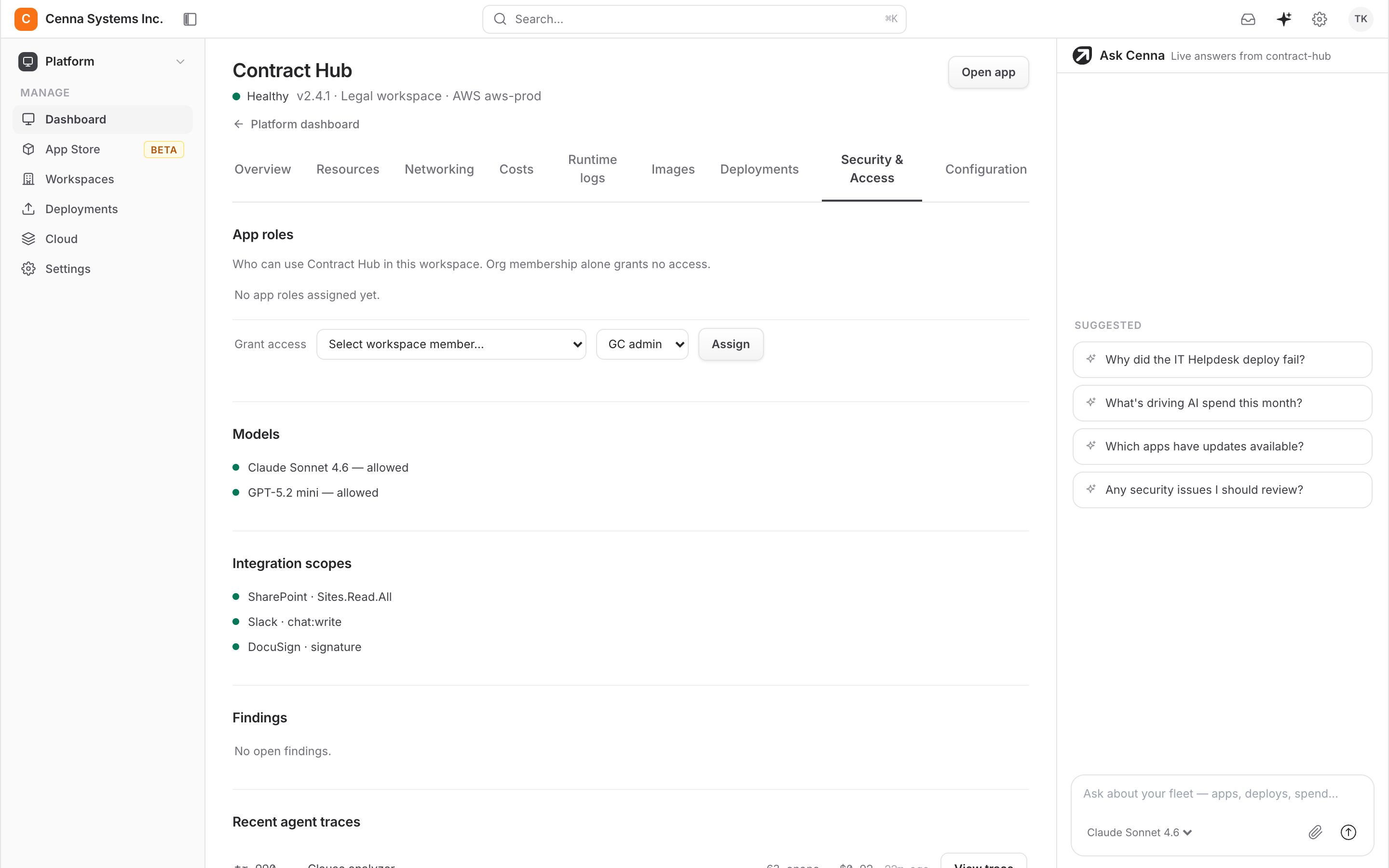
The app can read your SharePoint contract library, send documents through DocuSign, and post to the legal review channel. Each connection is limited to the actions it declares.
| System | What it does | Scope |
|---|---|---|
| SharePoint | Read the contract library | Sites.Read.All |
| DocuSign | Send for signature | signature |
| Slack | Post to the legal review channel | chat:write |
These are examples. Your team can connect other systems, each with its own scope.
Security and governance
Every Cenna app ships with the same security controls.
- Your deployment modelRun fully in your AWS or Google Cloud account, keep your data in your cloud while Cenna runs the app, or use a dedicated single-tenant instance.
- Your identity providerEvery app signs in through your SSO, with role-based permissions per app.
- Scoped integrationsEach connection declares exactly what it may do. Nothing runs outside that grant, and revoking it takes effect immediately.
- Approved models onlyEach app has its own approved-model list. A call to anything off it is refused and logged.
- Every run recordedEvery agent action is traced with its steps and its cost, so any decision can be reviewed.
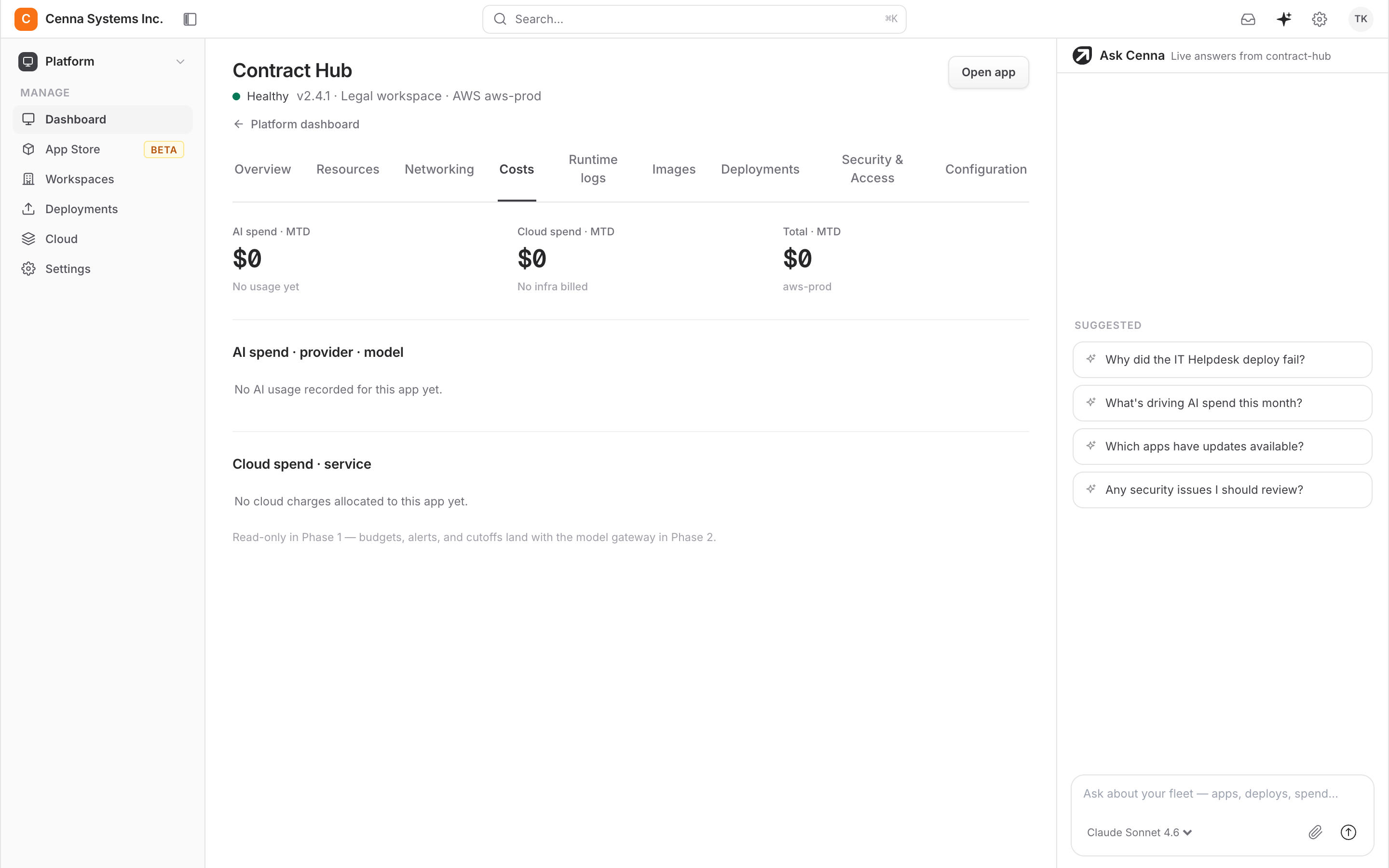
- Budgets and hard capsSpend is metered by app, team, task, and model, with caps that stop runaway usage.
SOC 2 Type II attestedView Trust Center →
Frequently asked questions
Does it replace our lawyers?
No. It does the first pass: reading, checking against the playbook, and drafting the redline. Your lawyers spend their time on judgment and negotiation instead of page one of a forty-page review.
Whose playbook does it use?
Yours. The app reviews against the playbook you load, and your team maintains it without an engineer.
Where do our contracts live?
In your own document store. The app reads SharePoint or your contract library with a read scope. When you run it in your own cloud account, contracts never leave it and nothing is copied to Cenna.
Can we change how it reviews?
Yes. Every skill is a written procedure your team can read and edit, and the application is source code you own, so you change the review process yourself.
How is spend controlled?
Token and cloud costs are metered per task and per user, models are approved centrally, and every run is traced and priced. Spend works the same way in every Cenna app.
Agentic HR
Answer policy questions from your handbook and run onboarding, offboarding, and leave without manual handoffs.Works with Workday, Okta, SlackCustomer Support
Research each case across your systems, draft the reply, and take the follow-up action.Works with Zendesk, Stripe, SlackAgentic ITSM
Triage every ticket and close routine requests like resets and access end to end, so your service desk only sees the hard ones.Works with Okta, Jira, Slack