
Agentic ITSM
Resolves password resets, access requests, and new-hire setups on its own
- Works with Okta, Jira, Slack
- Deploys to AWS and Google Cloud
- SOC 2 Type II attested
Details
- Built by
- Cenna
- Department
- IT
- App type
- Prebuilt app
- Deploys to
 AWS
AWS Google CloudAzure coming soon
- Works with
- Okta, Jira, Slack, and more
- Source code
- Included
- Sign-in
- Your SSO
Overview
Agentic ITSM triages every incoming ticket, resolves routine requests like password resets, access requests, and new-hire setups, and escalates the rest with the diagnosis already done. Your team spends its time on the tickets that need a person.
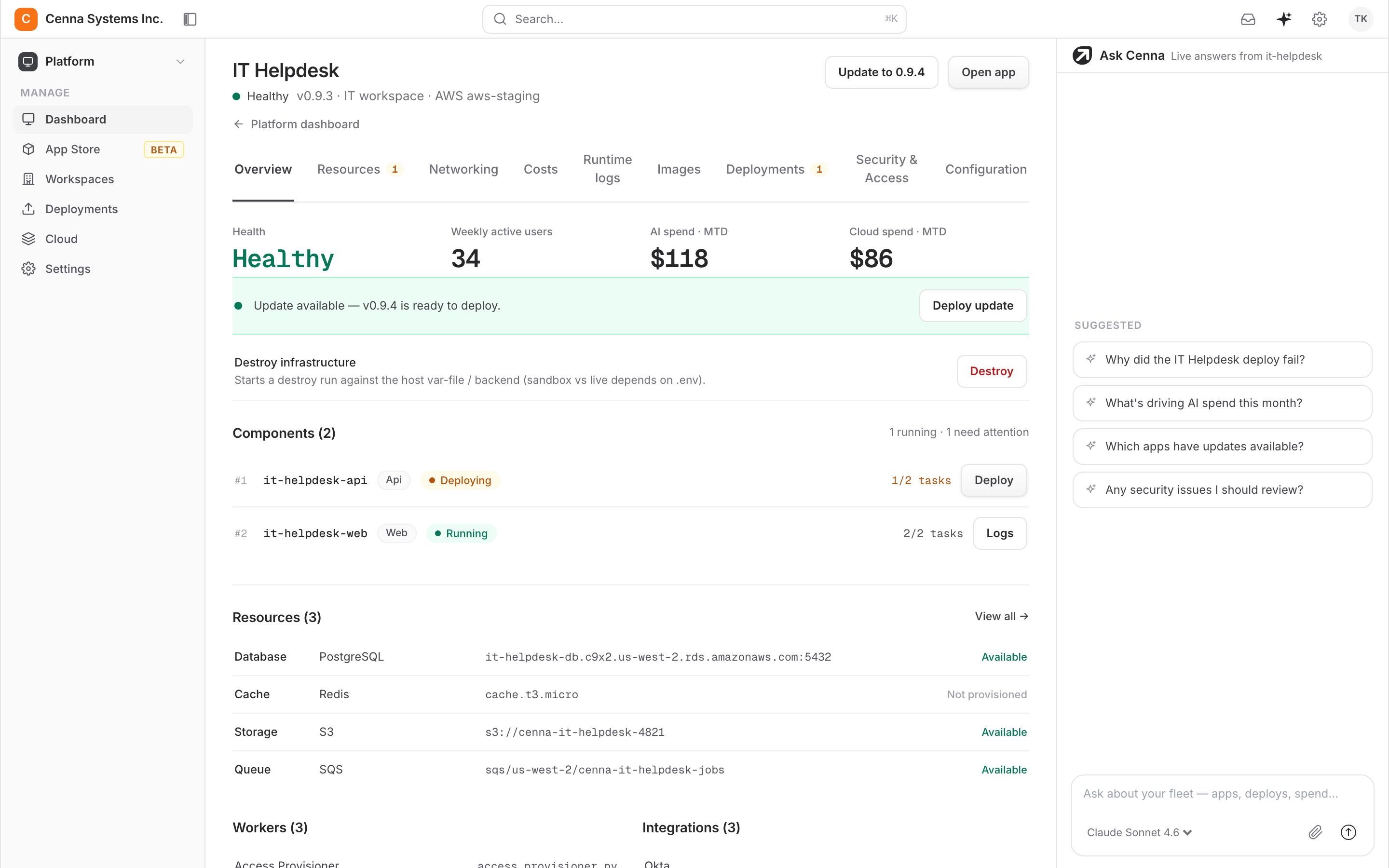
- Your runbooks become playbooksYour IT team writes reset procedures, access policy, and escalation paths as plain-language playbooks. Change a playbook and every agent follows the new version.
- Routine requests close at intakeThe app resolves password resets and access requests as they arrive. The queue holds only work that needs a person.
- Connects to your IT stack in a dayOkta, Jira, Slack, Intune, and Jamf each connect with an explicit scope. The app resets accounts in your directory, posts to your channel, and touches nothing else.
Watch it resolve a ticket
Ask about a ticket and it checks the systems, takes the action, and closes the ticket.
Resolve IT-482: locked-out account
- Verified the requester against the ticket
- Checked for a security hold
- Reset the account in Okta
Done: reset and closed in 40 seconds.
J. Patel matched the account and had no security hold, so I reset it in Okta and sent the one-time link. I posted the outcome to #it-helpdesk and closed IT-482. Nothing needed a person.
What changes
Before
Every reset waits in the same queue
- A password reset sits behind a printer jam and an outage
- New-hire setup is a checklist someone works by hand
- Simple questions re-answered from scratch each time
- Analysts spend the day on tickets a script could close
With Cenna
Your team only sees the hard tickets
- Resets and access requests resolved in under a minute
- New-hire accounts created from a single request
- Known answers pulled straight from your knowledge base
- Analysts work on the tickets that need them
Use cases
Skills
Each skill is a written procedure your team can read and edit. Add your own for requests specific to your IT team.
- Triage an incoming ticket
- Reset a password
- Provision application access
- Set up a new hire's accounts
- Diagnose a VPN failure
- Answer from the knowledge base
- Install or license software
- Revoke access on offboarding
- Reset MFA enrollment
- Approve access against policy
- Escalate to the right team
- Check service status
- Order and track hardware
- Summarize an incident
- Draft the weekly ticket digest
Integrations
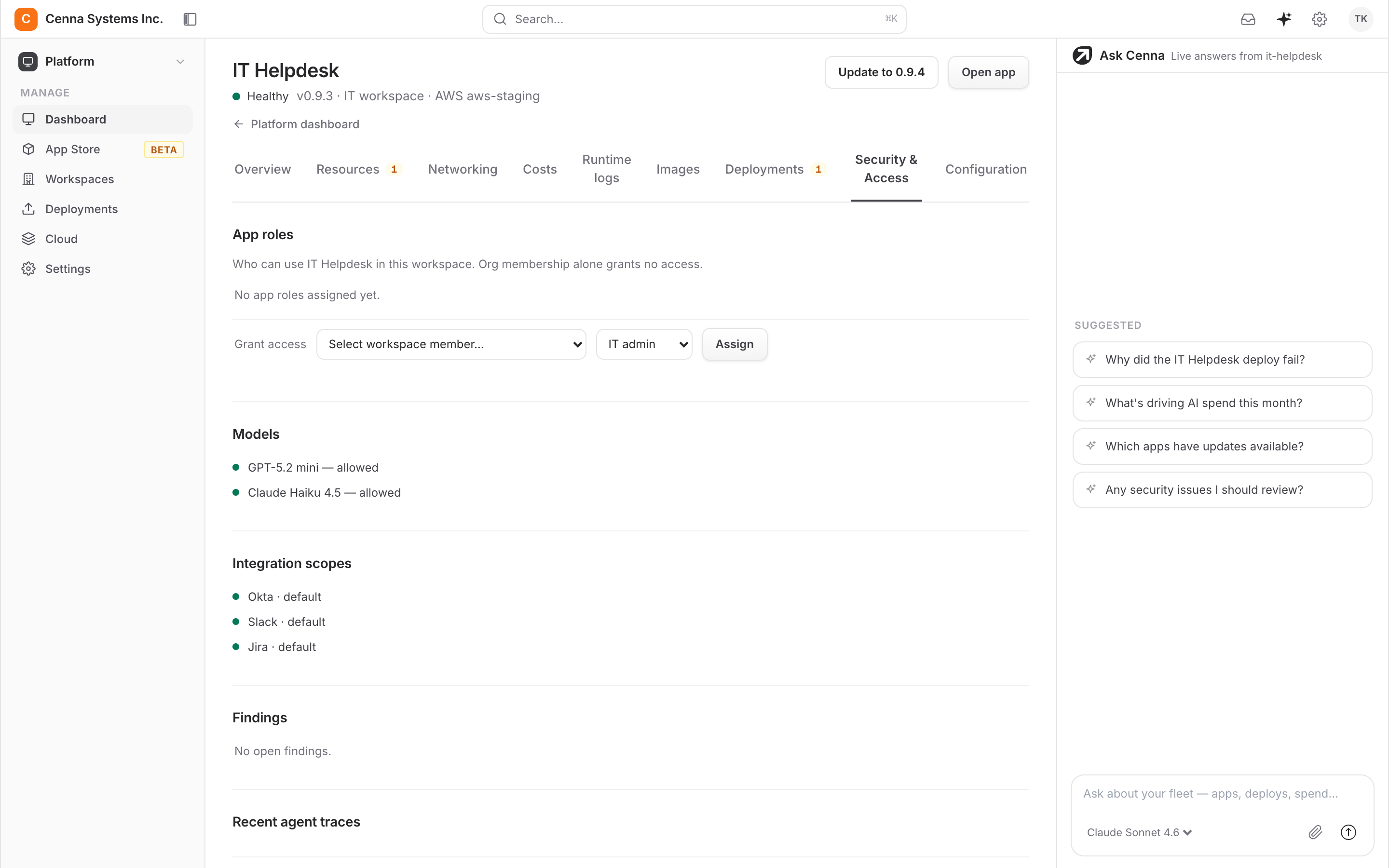
The app can reset accounts in Okta, update tickets in Jira, and post to #it-helpdesk. Each connection is limited to the actions it declares.
| System | What it does | Scope |
|---|---|---|
| Okta | Reset accounts and MFA | users:reset |
| Jira | Update and close tickets | issues:write |
| Slack | Post to #it-helpdesk | chat:write |
These are examples. Your team can connect other systems, each with its own scope.
Security and governance
Every Cenna app ships with the same security controls.
- Your deployment modelRun fully in your AWS or Google Cloud account, keep your data in your cloud while Cenna runs the app, or use a dedicated single-tenant instance.
- Your identity providerEvery app signs in through your SSO, with role-based permissions per app.
- Scoped integrationsEach connection declares exactly what it may do. Nothing runs outside that grant, and revoking it takes effect immediately.
- Approved models onlyEach app has its own approved-model list. A call to anything off it is refused and logged.
- Every run recordedEvery agent action is traced with its steps and its cost, so any decision can be reviewed.
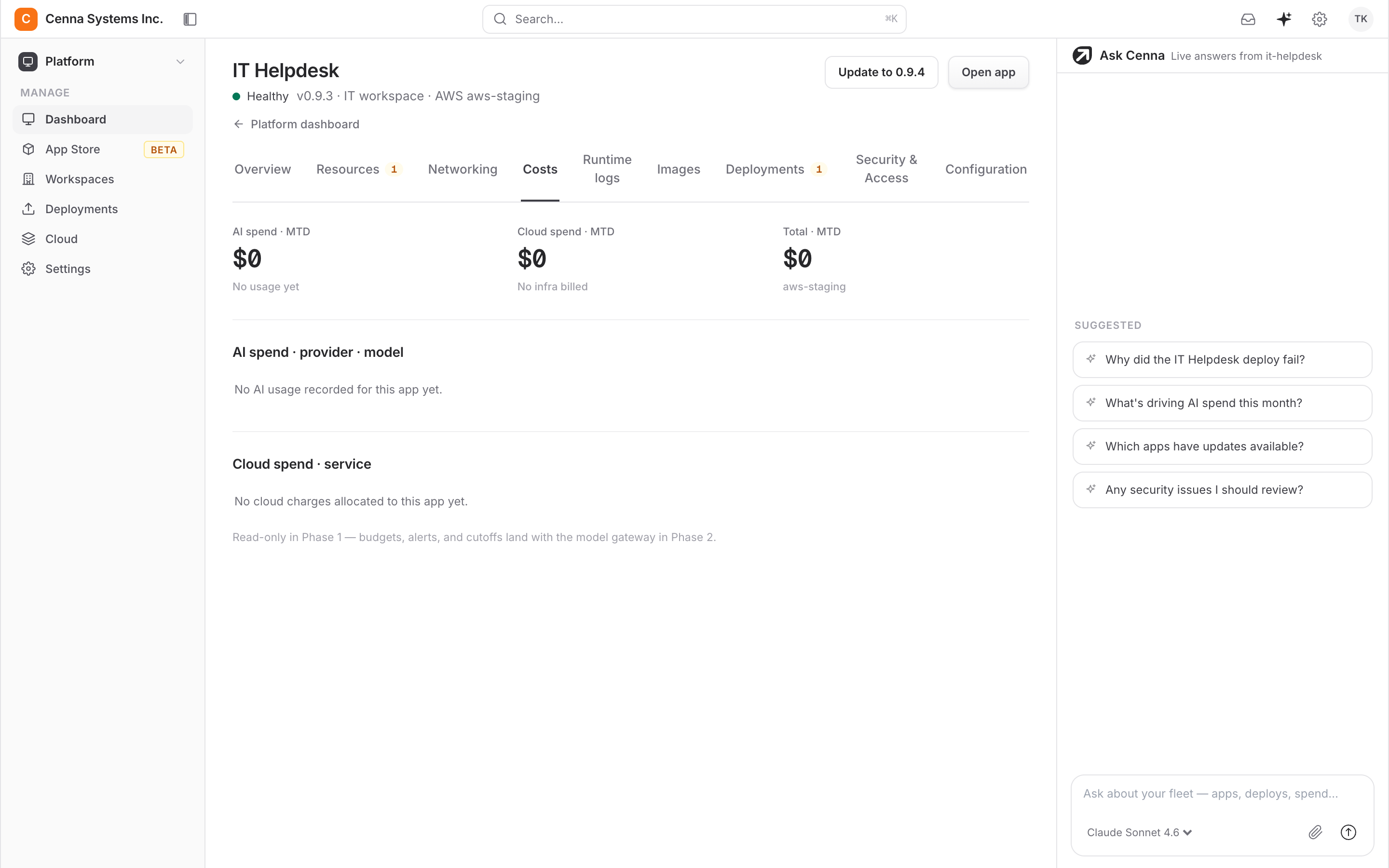
- Budgets and hard capsSpend is metered by app, team, task, and model, with caps that stop runaway usage.
SOC 2 Type II attestedView Trust Center →
Frequently asked questions
Does it replace our service desk team?
No. It handles the routine volume, like resets, access requests, and how-to questions, so your team spends its time on incidents and requests that need judgment. When it escalates, it hands over the diagnosis along with the ticket.
What can it do in our systems?
Only what you grant. Each integration declares an explicit scope, such as resetting accounts in Okta, writing in Jira, or posting to one Slack channel. Anything above your policy line waits for a person to approve.
How does it know our procedures?
It runs the skills your team defines and answers from your knowledge base, so resets and access grants follow your procedures and how-to answers come from your documentation.
Does it work with our existing ticketing?
Yes. It reads and writes through connectors to the ticketing tool you already run, so tickets stay where your team works.
How is spend controlled?
Token and cloud costs are metered per task and per user, models are approved centrally, and every run is traced and priced. Spend works the same way in every Cenna app.
Agentic HR
Answer policy questions from your handbook and run onboarding, offboarding, and leave without manual handoffs.Works with Workday, Okta, SlackCustomer Support
Research each case across your systems, draft the reply, and take the follow-up action.Works with Zendesk, Stripe, SlackLegacy App Automation
Automate old ERPs, portals, and claims systems through the screen, and retire RPA bots that break on every UI change.Any web app, no API needed