
PlatformLaunch
Every application comes with dozens of skills built in
A skill does one job your team repeats. Reset a password, match an invoice to its purchase order, check whether a refund is allowed. They work from day one. Agents decide when they run, what they may touch, and where the answer goes.
01Why it matters
Why this matters
Most AI projects spend the first quarter teaching the system what the job is. Cenna applications already know.
Working on day one
The jobs your team does most are built and tested before you start. Nobody spends a quarter writing prompts to get there.
The same answer every time
A skill follows a written procedure, so the same request gets handled the same way whether it arrives on a Monday or at 2am on a holiday.
Anyone can run one
No prompt engineering and no training course. People ask in plain language, and the skill takes it from there.
You see what each one costs
Every run is recorded with what it did and what it cost, so a job that gets expensive shows up by name.
Illustrative: your mix of ready-made and custom skills decides the split.
02What ships
What ships with each application
These are the jobs each application handles out of the box. Your team can change any of them, and add more, without waiting on engineering.
IT Service Desk
Routine requests resolved without a person in the queue.
15 skills- Triage an incoming ticket
- Reset a password
- Provision application access
- Set up a new hire's accounts
- Diagnose a VPN failure
- Answer from the knowledge base
- Install or license software
- Revoke access on offboarding
- Escalate to the right team
- Reset MFA enrollment
- Approve access against policy
- Check service status
- Order and track hardware
- Summarise an incident
- Draft the weekly ticket digest
HR & Employee Services
Employees get answers without opening a ticket and waiting.
15 skills- Answer a policy question from the handbook
- Assemble an onboarding checklist
- Run an exit checklist
- Process a leave request
- Check PTO balance and eligibility
- Answer a benefits enrollment question
- Draft an offer letter from template
- Verify employment for a third party
- Route a manager or role change
- Track policy acknowledgements
- Flag incomplete compliance training
- Summarise a case for review
- Escalate a sensitive case
- Schedule onboarding sessions
- Prepare a headcount change summary
Finance Operations
Invoices, approvals, and exceptions handled before month end.
12 skills- Match an invoice to its purchase order
- Flag a purchase-order exception
- Onboard a new vendor
- Check spend against budget
- Flag a spend anomaly
- Route an approval by threshold
- Validate an expense against policy
- Reconcile a duplicate invoice
- Chase an overdue approval
- Summarise a month-end variance
- Prepare an audit sample
- Answer a procurement policy question
Security Operations
Reviews and reports that used to eat a week of analyst time.
12 skills- Triage a reported phishing email
- Run a quarterly access review
- Summarise an incident for the write-up
- Check a vendor's security posture
- Track a vulnerability to closure
- Review an access exception request
- Collect evidence for an audit request
- Answer a security questionnaire
- Flag an unusual permission grant
- Confirm offboarding revocations
- Draft a customer security response
- Escalate a suspected incident
Customer Support
Agents arrive at the reply already knowing the account.
12 skills- Check refund eligibility against policy
- Research a customer's history
- Draft a response from the knowledge base
- Summarise an escalation
- Check a customer's plan and limits
- Route by product area
- Answer a billing question
- Draft a replacement or RMA
- Prepare the follow-up after resolution
- Summarise a bug report for engineering
- Flag a churn-risk signal
- Draft the weekly customer digest
The Legal application ships with 27 skills of its own, across contract review, governance, employment, and privacy.
03Agents
Agents decide when a skill runs
A skill is what to do. An agent is what starts it, what it is allowed to touch, and where the result goes. You assign skills to an agent, give it a trigger, and the work happens without anyone opening the application.
Trigger
What starts it: a ticket arriving, a status changing, a time of day, or someone simply asking in chat.
Skills
The jobs it is allowed to perform. One agent can carry several, and the same skill can belong to more than one agent.
Tools
The systems it may touch, each with an explicit scope. Reset in Okta, comment in Jira, post to one Slack channel and no other.
Outputs
Where the result lands: a reply on the ticket, a message in Slack, a record updated, an email sent, a case closed.
- TriggerNew ticket: "I'm locked out of my account"
- SkillReset a password
- ToolsOkta · Jira
- OutputPosted to #it-helpdesk, ticket closed
The same shape, other jobs
- Every weekday at 8amMorning triage digestPosted to the team channel
- An invoice is submittedMatch invoice to POExceptions routed to the approver
- A new hire starts MondaySet up a new hire's accountsAccounts created, checklist posted
- A phishing report arrivesTriage a reported phishing emailVerdict on the case, security notified
- Someone asks in chatAnswer from the knowledge baseReplied in the conversation
- A contract changes statusTrack a renewal deadlineOwner reminded ahead of the date
04Approvals
Some steps should wait for a person
You decide which actions an agent may take on its own and which need a human to say yes. When one needs approval, the agent stops, asks the right person where they already work, and picks up exactly where it left off once they answer.
You choose what needs a yes
Set it per skill, per agent, or by threshold. Anything touching admin access, anything over a dollar amount, anything outside policy.
Asked where people already are
The request arrives in Slack, in email, or in the application. Nobody has to learn a new queue or remember to check one.
The work resumes on its own
Approve and the agent finishes the job. Deny and it stops and says why on the ticket. Either way the decision is recorded with who made it.
05Add your own
Need one that isn't there? Describe it.
Your team adds skills themselves, in the application, without writing code or filing a request with engineering. Most take a few minutes.
- 01
Say what you need
Name it and describe the job in a sentence or two. "Check a submitted invoice against its purchase order and flag anything that doesn't match."
- 02
Cenna writes it
You get back a complete skill: when to use it, the steps to follow, and what the result should look like.
- 03
Fix anything wrong
Read it the way you'd read a colleague's runbook. The steps are ordinary sentences, so correcting one means rewriting a sentence.
- 04
Publish
It's available immediately. No deploy, no release window, no waiting for the next sprint.
06Visibility
Every run is recorded and priced
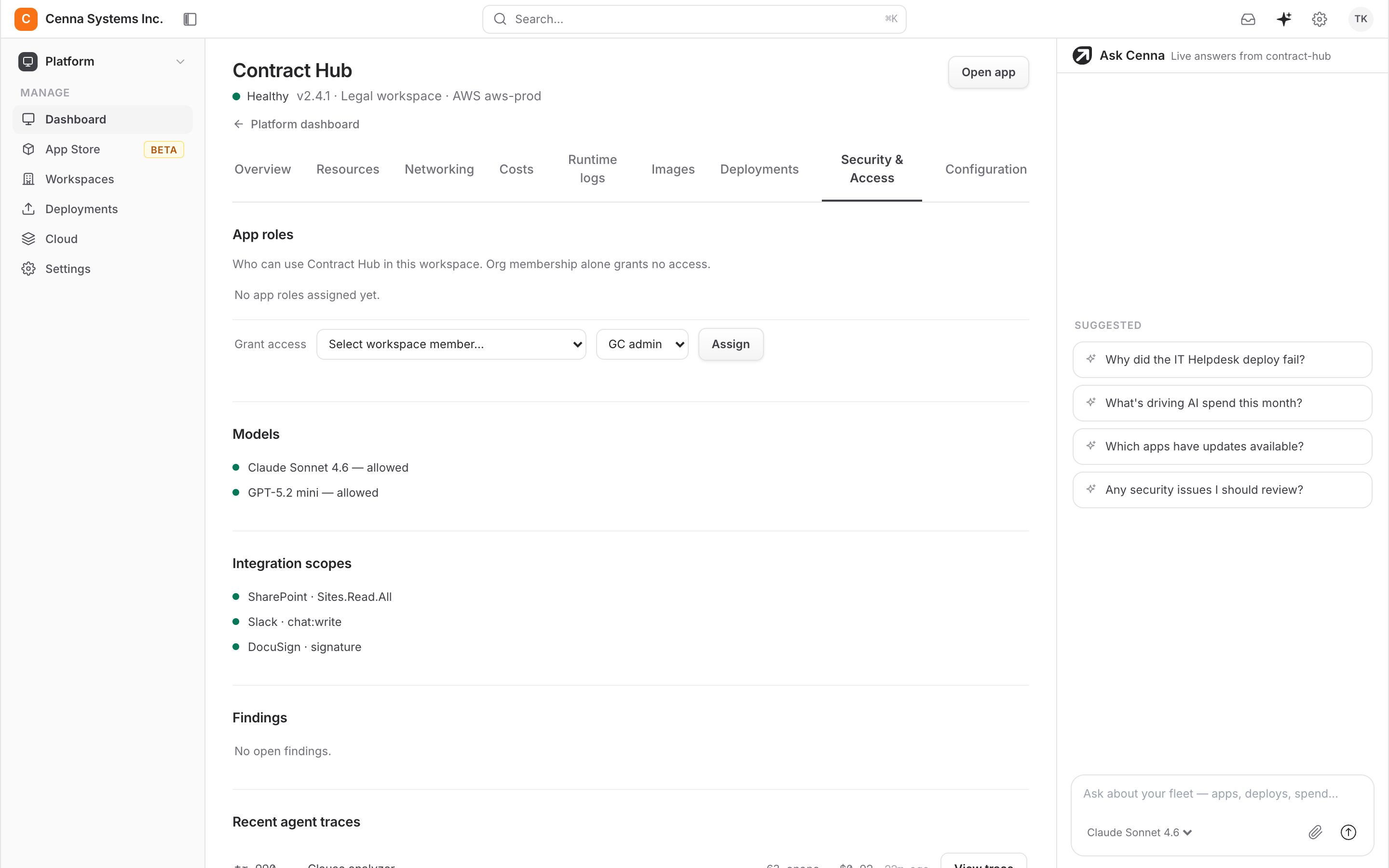
You can see which skills ran, what they did, and what each one cost. When spend moves, you can name the job that moved it. Rather than finding out from an invoice at the end of the month.
What ran and when · What it did · What it cost
07FAQ
Common questions
Do we have to build these ourselves?
No. Each application arrives with its skills already built and tested. The list above is what you get on day one. Adding your own is there for the jobs that are specific to how your business works.
Who can add or change a skill?
Whoever owns the work, subject to the permissions you set. The person who knows the correct procedure describes it, reads what comes back, and corrects it. No engineer is involved unless you want one.
What if a skill gets something wrong?
You can read exactly what it was told to do, because a skill is a written procedure rather than a hidden prompt. Correct the step that was wrong and publish. The record of past runs shows what happened and what it cost.
Can we control which skills are available?
Yes. Skills are grouped into packs you can turn on or off per team, and running one is a permission like any other. A finance skill does not have to be visible to everyone with a login.
See the skills for the work your team actually does.
A thirty-minute walkthrough: tell us the jobs that eat your team's week, and we will show you which ones already ship and what adding the rest looks like.
Get a DemoBuilt for speed. Engineered for control.