Deploy Your Own App
Bring your own app. We run it in your cloud.
- Runs on EKS or GKE
- Deploys to AWS and Google Cloud
- SOC 2 Type II attested
Details
- Built by
- Cenna
- App type
- Bring your own
- Deploys to
 AWS
AWS Google CloudAzure coming soon
- Source code
- Included
- Sign-in
- Your SSO
Overview
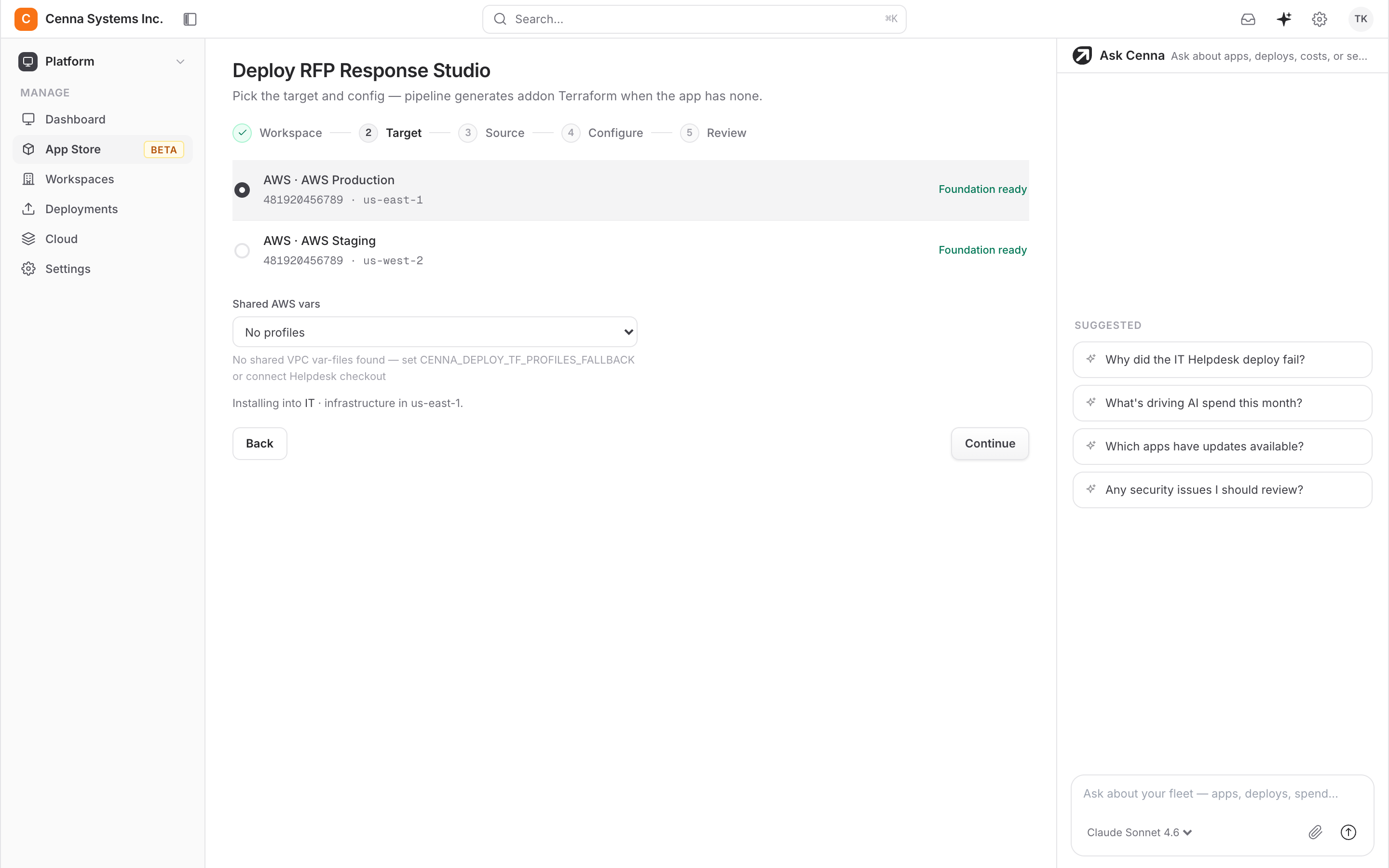
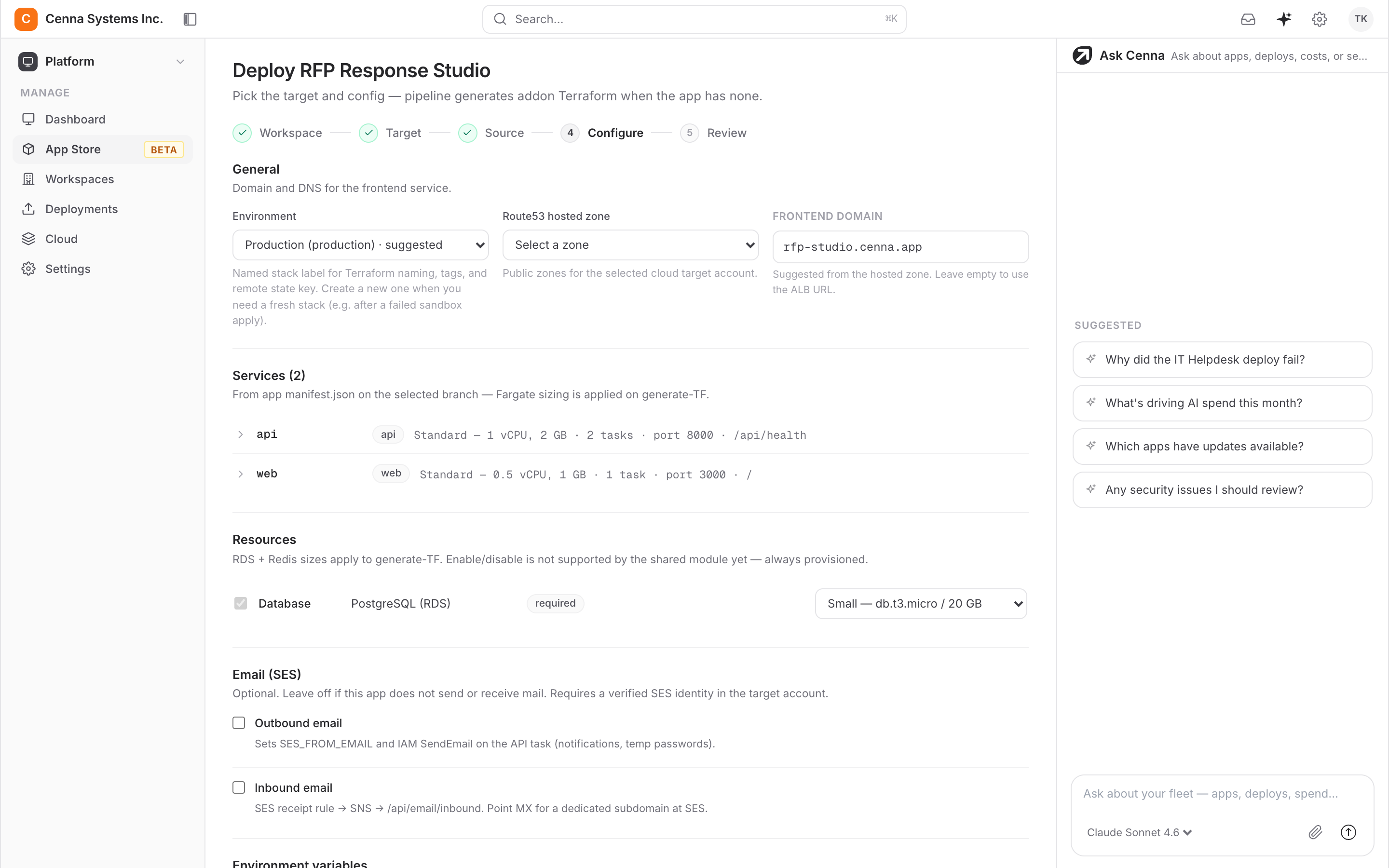
You built the app. Cenna packages it, ships it into your own AWS or Google Cloud account, and keeps it running, with a domain, SSL, and monitoring set up for you. It gets the same identity, deployment, and spend controls as every Cenna app, without a DevOps project in front of it.
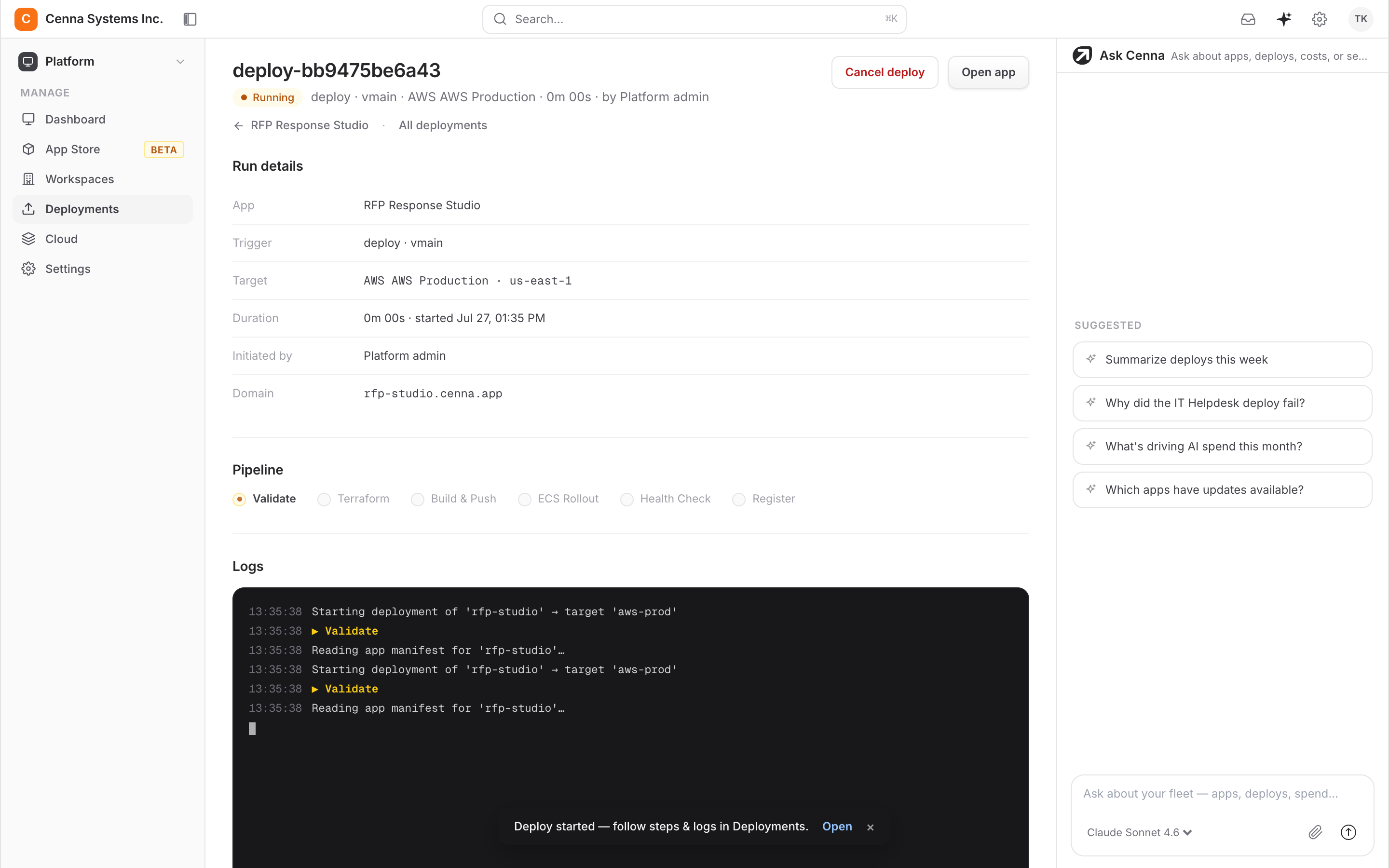
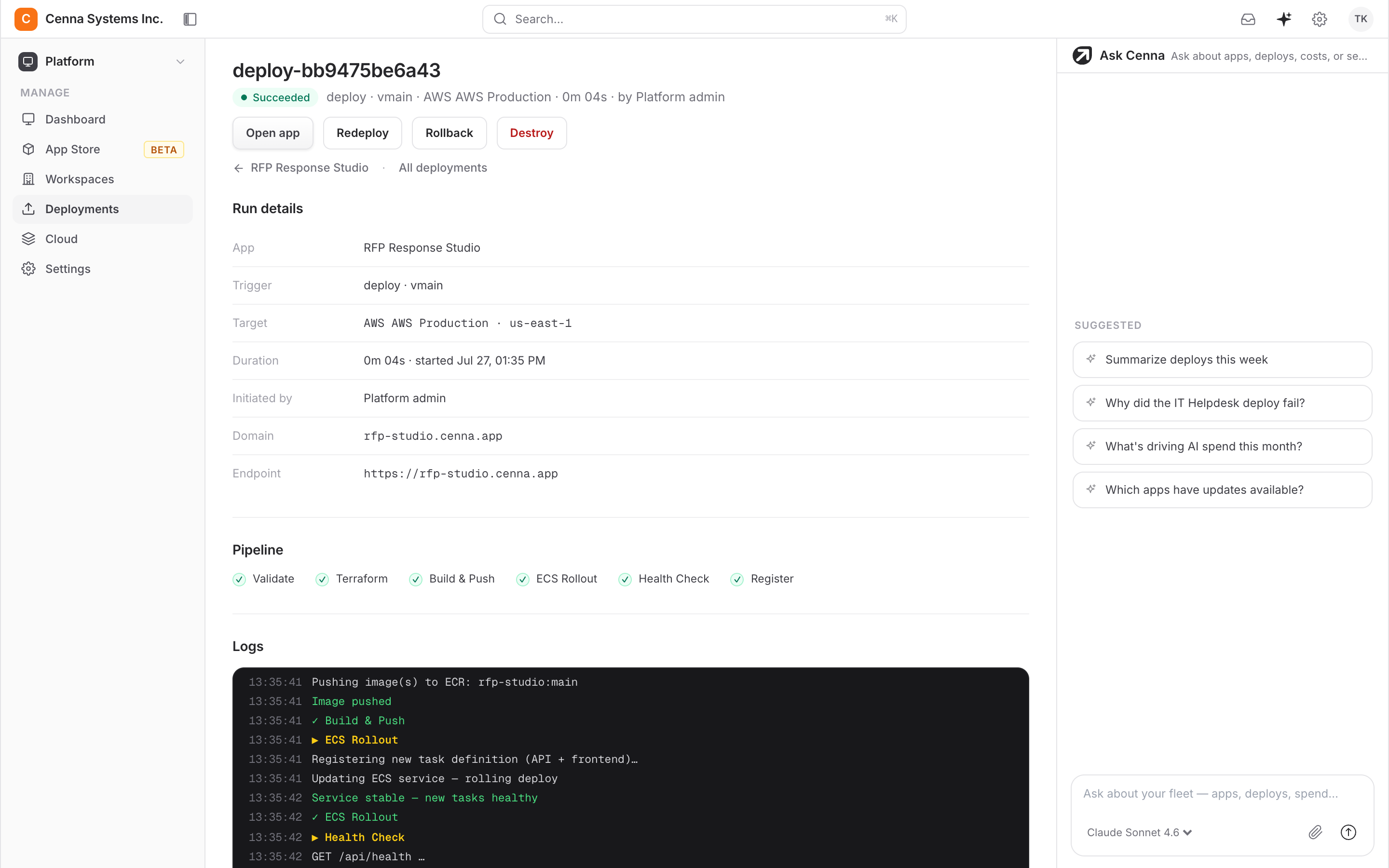
- Skip the DevOps projectYou don't write Terraform, maintain Helm charts, or wire up a cluster by hand. Cenna sets them up in your account.
- Live the same dayPoint Cenna at your cluster and domain, then deploy.
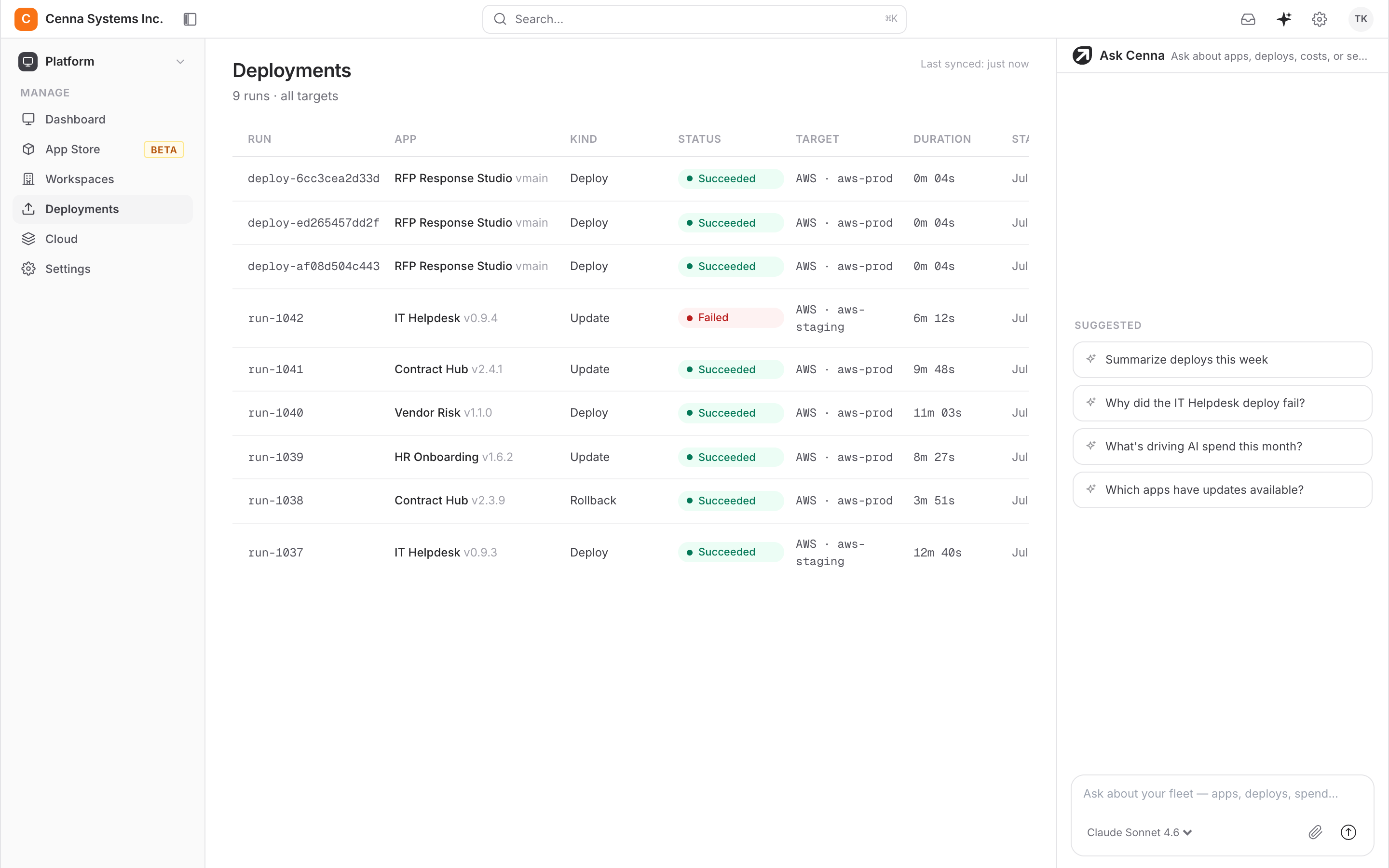
- One place to see every appEvery deploy, cost, and access grant is tracked across all your apps and clouds.
What changes
The usual way
Weeks of setup before your app is even reachable.
- File a DevOps ticket and wait
- Write Terraform, Helm charts, and pipelines
- Stand up a cluster, ingress, and cert-manager
- Chase DNS and SSL renewals by hand
With Cenna
Pick a cluster and a domain, then deploy.
- Connect your cloud with a scoped role
- Cenna builds, deploys, and health-checks it
- Domain and SSL set up and auto-renewed
- Live the same day, in your own account
Use cases
Capabilities
What Cenna sets up for you
The parts every app needs before it is reachable, handled in your account and visible to you.
- Builds the container image from your repo
- Deploys to Amazon EKS or Google GKE
- Uses your cluster, or creates a managed one
- Rolls out with health checks on every release
- Points your domain at the app
- Issues TLS certificates and renews them
- Tracks health, logs, and cost from day one
- Connects through a scoped role, never admin access
Security and governance
Every Cenna app ships with the same security controls.
- Your deployment modelRun fully in your AWS or Google Cloud account, keep your data in your cloud while Cenna runs the app, or use a dedicated single-tenant instance.
- Your identity providerEvery app signs in through your SSO, with role-based permissions per app.
- Scoped integrationsEach connection declares exactly what it may do. Nothing runs outside that grant, and revoking it takes effect immediately.
- Approved models onlyEach app has its own approved-model list. A call to anything off it is refused and logged.
- Every run recordedEvery agent action is traced with its steps and its cost, so any decision can be reviewed.
- Budgets and hard capsSpend is metered by app, team, task, and model, with caps that stop runaway usage.
SOC 2 Type II attestedView Trust Center →
Frequently asked questions
What kind of app can I bring?
Anything that runs in a container, such as a web service, an API, an agent, or a background worker. Cenna builds the image from your repo.
Do you need admin access to my cloud?
No. You connect a scoped role. Cenna deploys into a cluster you own and can see every action it takes.
What if I don't have a Kubernetes cluster yet?
Cenna can create a managed EKS or GKE cluster in your account, or deploy into one you already run.
Can I still use kubectl and my own tools?
Yes. It's a standard cluster in your account, and your existing tools work against it.
Legacy App Automation
Automate old ERPs, portals, and claims systems through the screen, and retire RPA bots that break on every UI change.Any web app, no API neededAgentic ITSM
Triage every ticket and close routine requests like resets and access end to end, so your service desk only sees the hard ones.Works with Okta, Jira, SlackAgentic Contract Lifecycle Management
Review incoming contracts against your playbook, draft the redline, and track obligations after signature, right inside Word.Works with SharePoint, DocuSign, Slack