The race to deploy generative and agentic AI in the enterprise often starts with a massive bottleneck: building the foundational platform. Before developers can write a single line of business-specific AI logic, they spend quarters building authentication wiring, access controls, chat interfaces, audit trails, and cloud deployment pipelines.
Cenna completely upends this slow, expensive cycle.
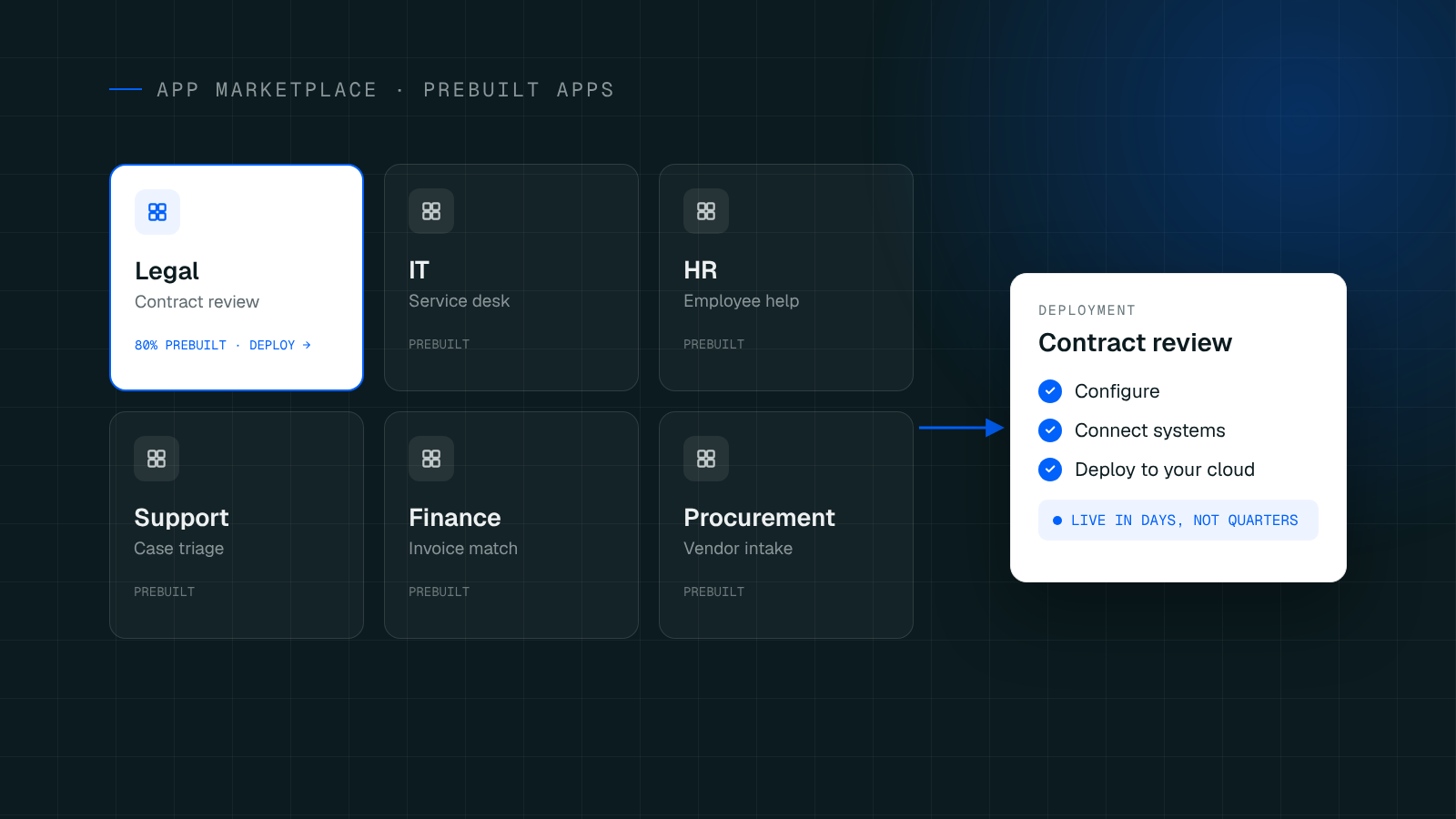
Rather than handing enterprises a blank canvas or forcing them into a rigid SaaS product, Cenna offers a suite of prebuilt, production-ready AI applications. These are not simple templates or starter kits. They are complete, versioned products designed to install directly into your cloud account. Your team gets the 80% foundation instantly, leaving them free to customize the 20% that makes your business unique.
What “Prebuilt” Actually Means
When Cenna says an application is "prebuilt," it means every element that would typically take a platform team months to engineer is already in the box.
By default, every Cenna app includes:
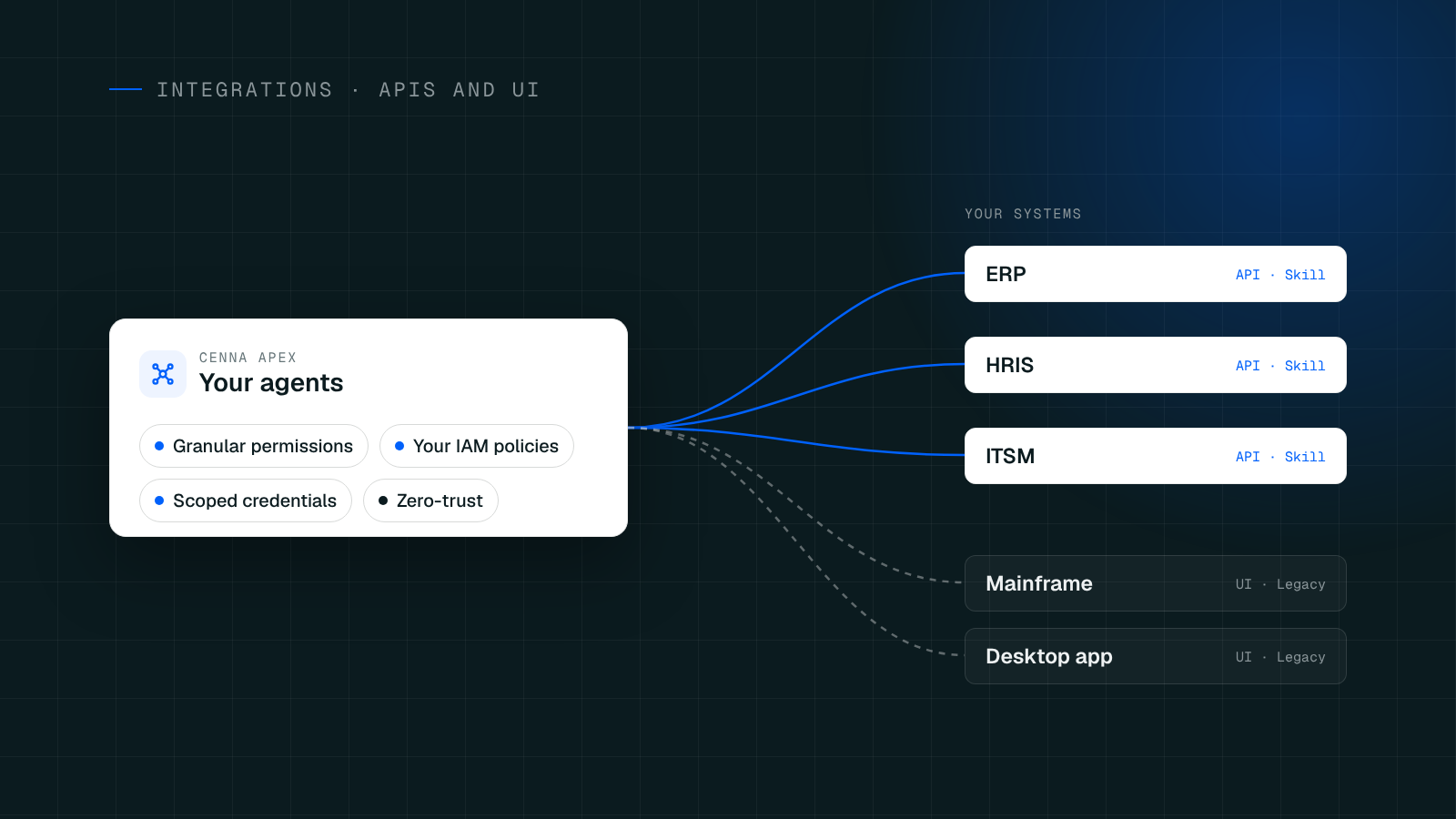
Authentication & Access Control: Pre-wired single sign-on (SSO) with your existing identity provider, complete with role-based permissions per app and workspace.
The Interface: A functional, task-oriented application UI, not just a floating chat box bolted onto a database.
Knowledge Base & Grounding: Systems to index your policies, contracts, and runbooks so the AI answers from your documents, not generalized model memory.
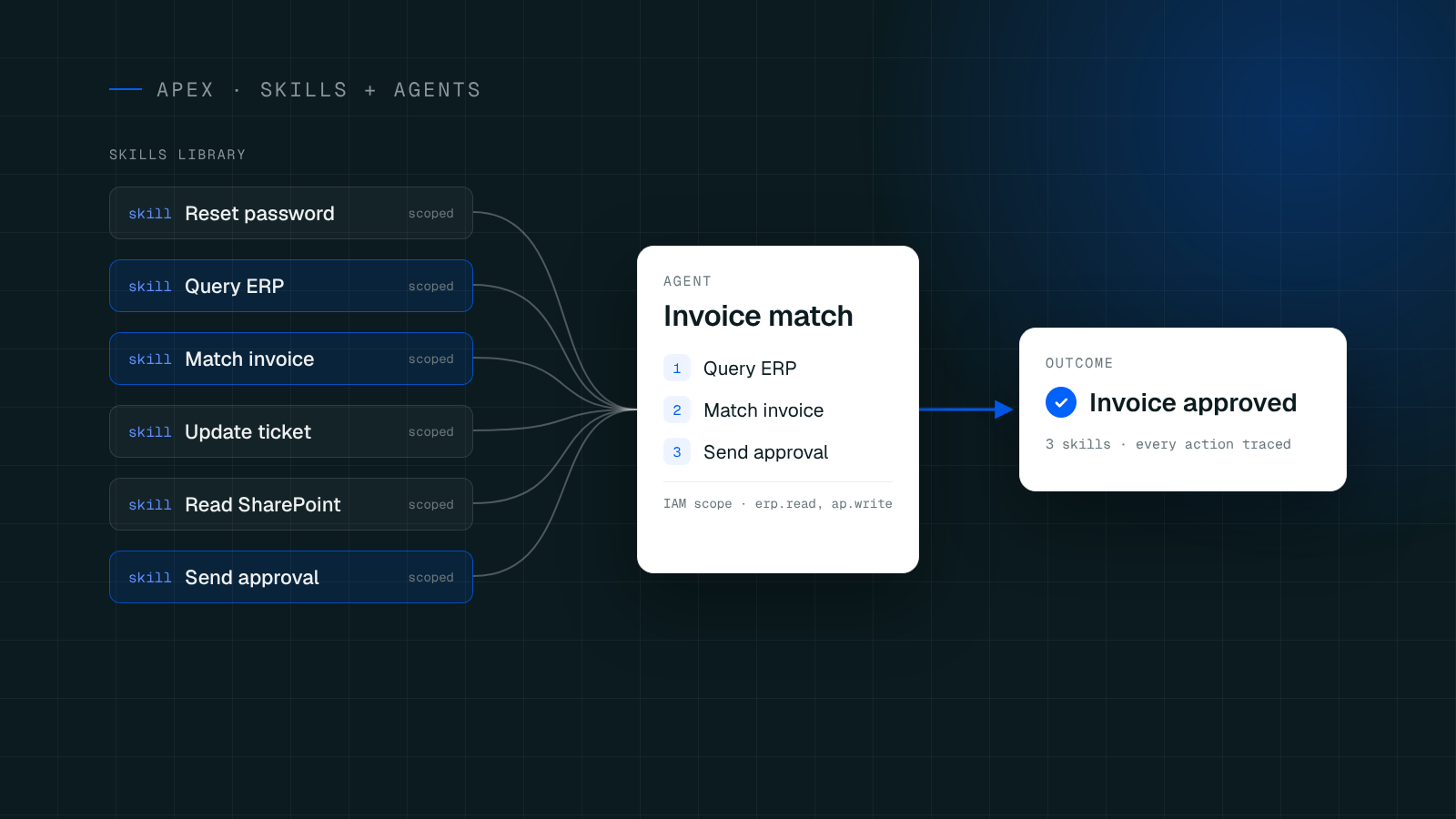
Agents & Workflows: Named AI agents scoped to real tasks (like intake, review, and drafting) with built-in routing, approvals, and escalations.
Governance & Audit Trails: Every single agent run is recorded, traced, and priced in your own account.
Spend Metering: Granular tracking of both token (AI model) costs and cloud infrastructure costs per application, user, and task.

The App Catalog: Solving Core Enterprise Bottlenecks
Cenna’s App Catalog currently features six enterprise applications, each mapped to specific departmental workflows and pinned to a stable version of the Cenna App SDK:
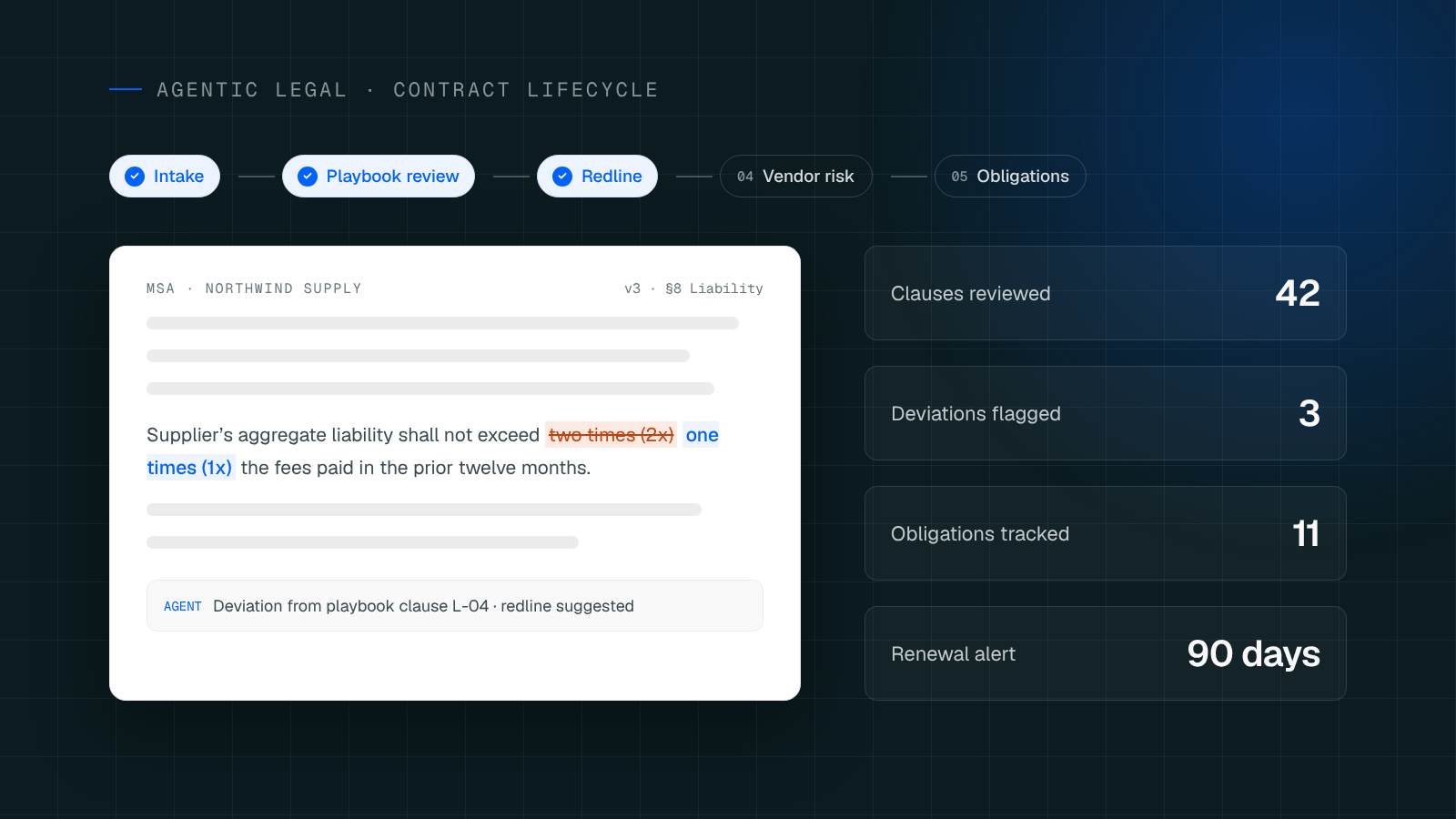
Contract Hub (Legal): End-to-end contract lifecycle management with AI assistance.
Vendor Risk (Legal): Continuous third-party risk assessments.
HR Onboarding (HR): Automated workflows taking employees from offer letter through day one.
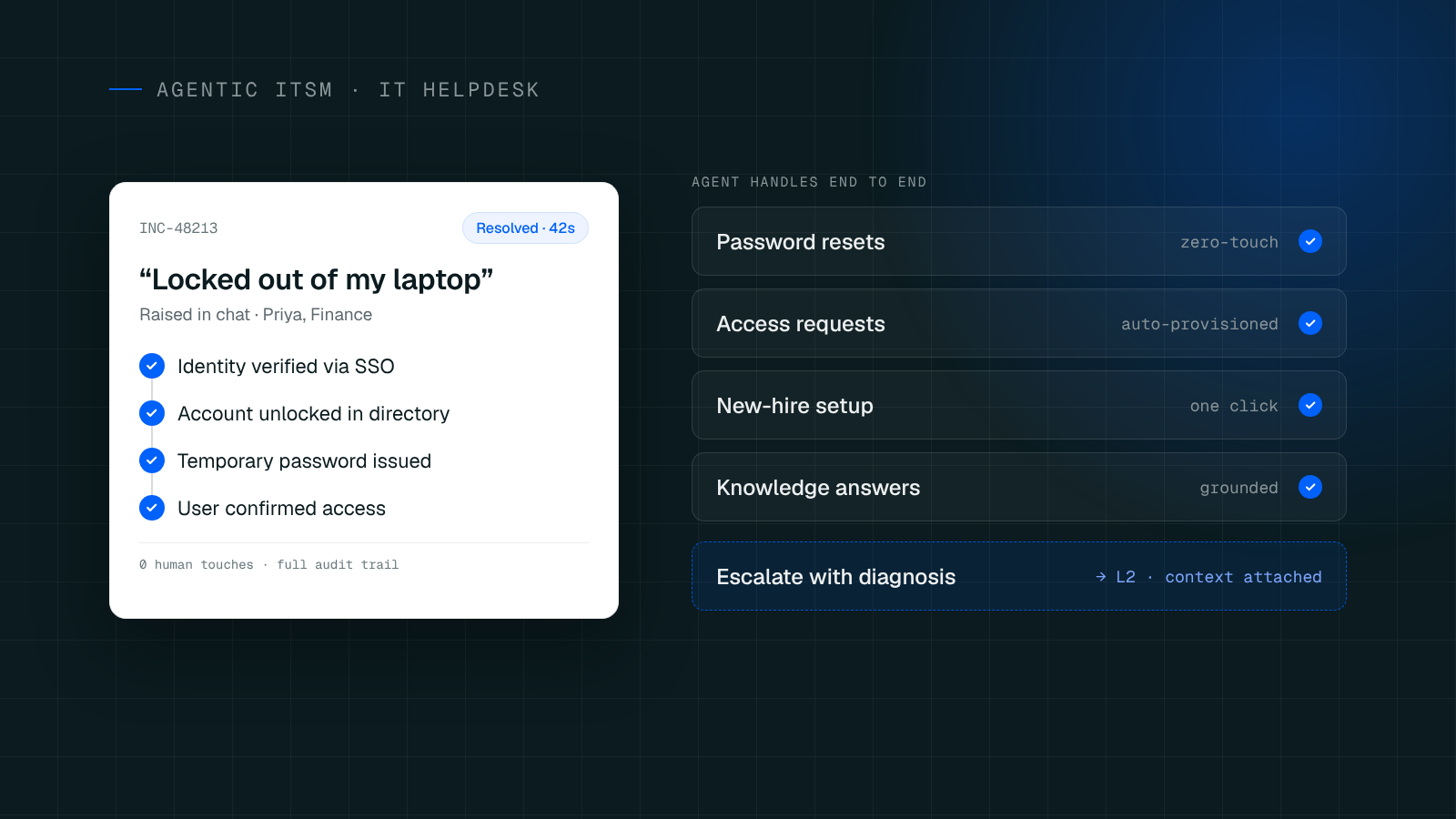
IT Helpdesk (IT): End-to-end resolution of everyday support tickets.
RFP Response Studio (Sales): Generates first-draft RFP responses in hours rather than weeks.
Invoice Auditor (Finance): Automatically checks every incoming invoice against the terms of its specific contract.

The 80/20 Rule: Customize Without the "Vendor Lock"
The true power of a Cenna application lies in what you do after it is installed.
If an application solves 80% of your workflow out of the box, your developers step in to write the remaining 20% using their standard tools. Configuration secrets (domain, database, model keys) are masked and stored securely in your own cloud account.
Crucially, the source code lives in your repository. There is no proprietary visual builder to learn and no proprietary IDE to get locked into. Your engineers work in the environments they already know, modifying the application to perfectly match your specific business rules.
Opt-In Upgrades, Not Forced Migrations
In the SaaS world, vendors force updates on their timeline, often breaking custom workflows. Cenna treats updates like software releases.
When Cenna ships an upgrade for a prebuilt application, it appears in your Cenna store as an "available" update. You have total control over if and when to apply it. Because the code is in your repository, an upgrade simply moves the underlying platform services forward—it never overrides your custom business logic or hands control of the app back to the vendor.
The Bottom Line
Building enterprise-grade AI from scratch is a massive drain on developer resources. Buying a rigid SaaS product forces you to surrender control and data privacy. Cenna offers the ideal middle ground: production-ready applications that deploy into your own cloud environment, giving your developers a massive head start without ever sacrificing ownership.
Frequently asked questions
Where does the application code and data actually reside after installation?
The applications install directly into your own cloud account, and the source code lives in your own repository, not on Cenna's servers.
What happens to my custom code when Cenna releases an update?
Updates appear as an optional 'available' update in your Cenna store that you choose if and when to apply, and applying one only moves the underlying platform services forward without overriding your custom business logic.
What tools do developers need to learn to customize the remaining 20%?
None beyond their standard tools, since there is no proprietary visual builder or proprietary IDE to learn—engineers work in the environments they already know.