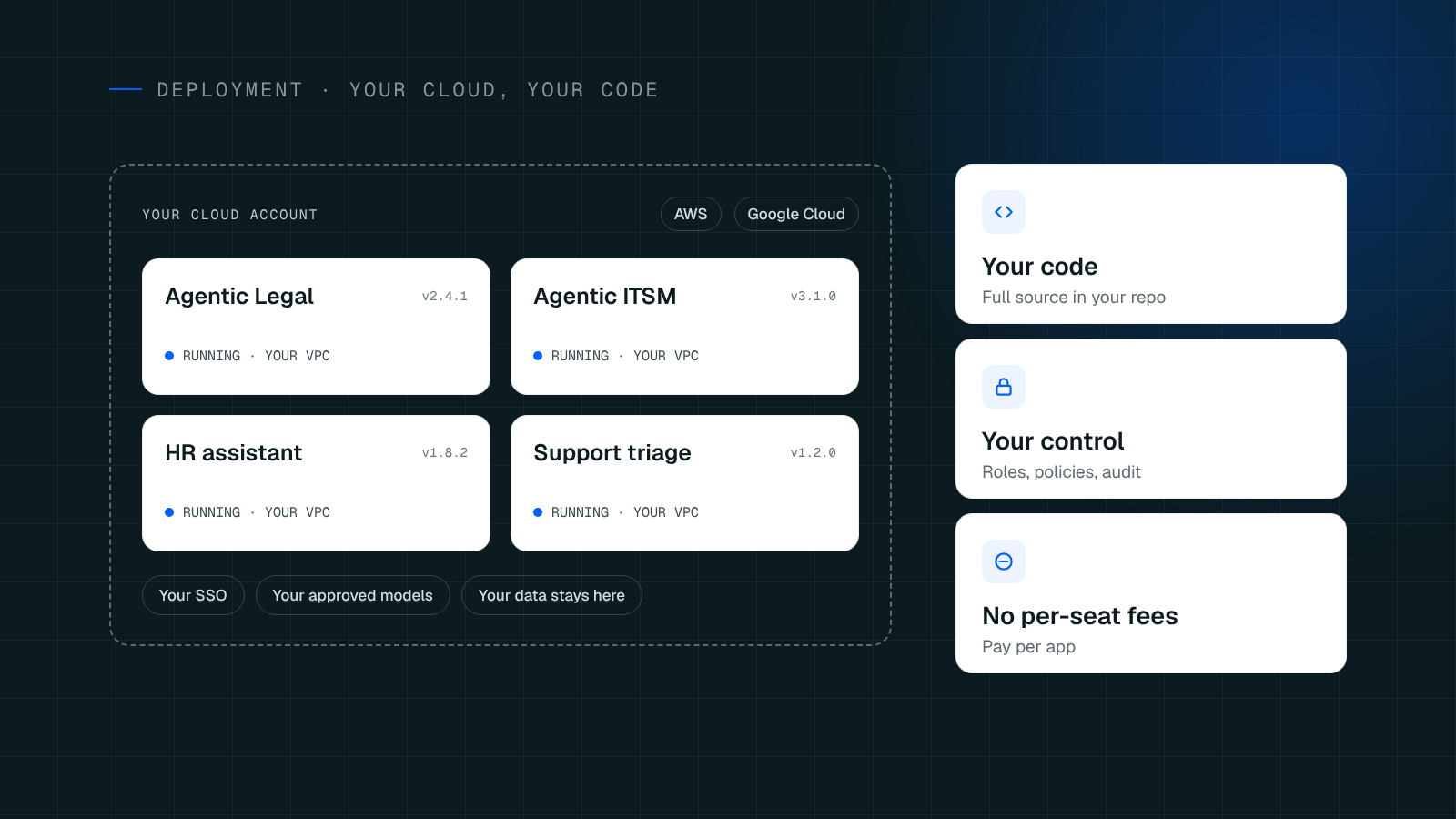
When it comes to deploying enterprise-grade AI and agentic applications, data sovereignty and security are paramount. Enterprises cannot afford to hand over sensitive data to third-party black boxes. That’s why Cenna empowers you to run your applications directly in your own environment.
Whether your organization is built on Amazon Web Services or Google Cloud, Cenna serves as your enterprise accelerator. You pick the account, the region, and the size. Cenna builds the network, provisions the databases, handles the containers, and wires the identity management-rolling the application out securely. The best part? Your data never leaves your cloud.
Here is a look at how Cenna transforms the way you deploy and manage agentic applications across AWS and GCP.
The Infrastructure Burden You Skip
Deploying a production-grade application is rarely just one command. Without Cenna, your platform and DevOps teams are stuck building, owning, and maintaining a massive checklist of infrastructure components:
Writing and maintaining Dockerfiles and CI/CD pipelines.
Pushing images to AWS ECR or Google Artifact Registry.
Standing up AWS ECS/Kubernetes or Google Cloud Run with VPC connectors.
Creating VPCs, subnets, firewall rules, and security groups.
Provisioning databases (Amazon RDS Postgres or Google Cloud SQL with private IPs) and caching layers (Redis or Memorystore).
Managing domain names, DNS records, load balancers, and rotating TLS certificates.
Wiring SSO to your identity provider and managing Secret Manager limits.
Configuring logging, metrics, and alerts.
With Cenna, the 15-step checklist becomes just 4 simple decisions. The heavy lifting goes away because Cenna has already built the automation for you. All you have to decide is:
Which AWS account or Google Cloud project and region to use.
How big the infrastructure needs to be.
The configuration values and secrets.
Who on your team has permission to deploy.
Native Support for AWS and Google Cloud
Because every enterprise has its own compliance boundaries and negotiated cloud rates, Cenna drops right into the ecosystem you already use.
For AWS Workloads: Cenna provisions exactly what you need—ECS for compute, RDS for databases, and CloudWatch for logging—all wired together securely via an assumed IAM role that you control. To see a detailed breakdown of how we handle Amazon Web Services rollouts, visit our AWS Deployment guide.
For Google Cloud Workloads: Cenna stands up your VPC, Cloud SQL, Secret Manager, and Cloud Run services. Your applications scale up automatically under load and scale down to zero when idle, saving you money. For an in-depth look at our GCP integrations, check out our Google Cloud Deployment guide.
Day Two: Operations and The AI DevOps Agent
Deployment is only day one. Cenna fundamentally changes how you manage applications once they are live.
An Agent That Runs Operations With You
Cenna runs an AI-powered DevOps agent alongside your applications. Instead of forcing you to hunt through four different cloud consoles, the agent reads AWS CloudWatch logs, ECS events, and RDS metrics (or Google Cloud Logging, Cloud Run revisions, and Cloud SQL Insights) and answers you in plain language. You can simply ask:
Why did the deployment fail?
Which app is using the most tokens?
Why is the application running slow today?
Seamless Updates and Rollbacks
Every change runs through the exact same automated rollout path, meaning a new release is routine, not a high-stress project.
Zero-Downtime Updates: Traffic only shifts to new tasks or revisions once they pass their health checks. If a deployment fails, the current running version keeps serving traffic seamlessly.
Instant Rollbacks: Cenna keeps previous images and revisions ready. Reverting to a past version is a simple traffic switch, turning a potential outage into a one-click fix.
Unified Cost Visibility: Cloud run costs and compute billing are reported per application, right alongside the AI model spend for that same app.
Frequently asked questions
What access does Cenna actually need?
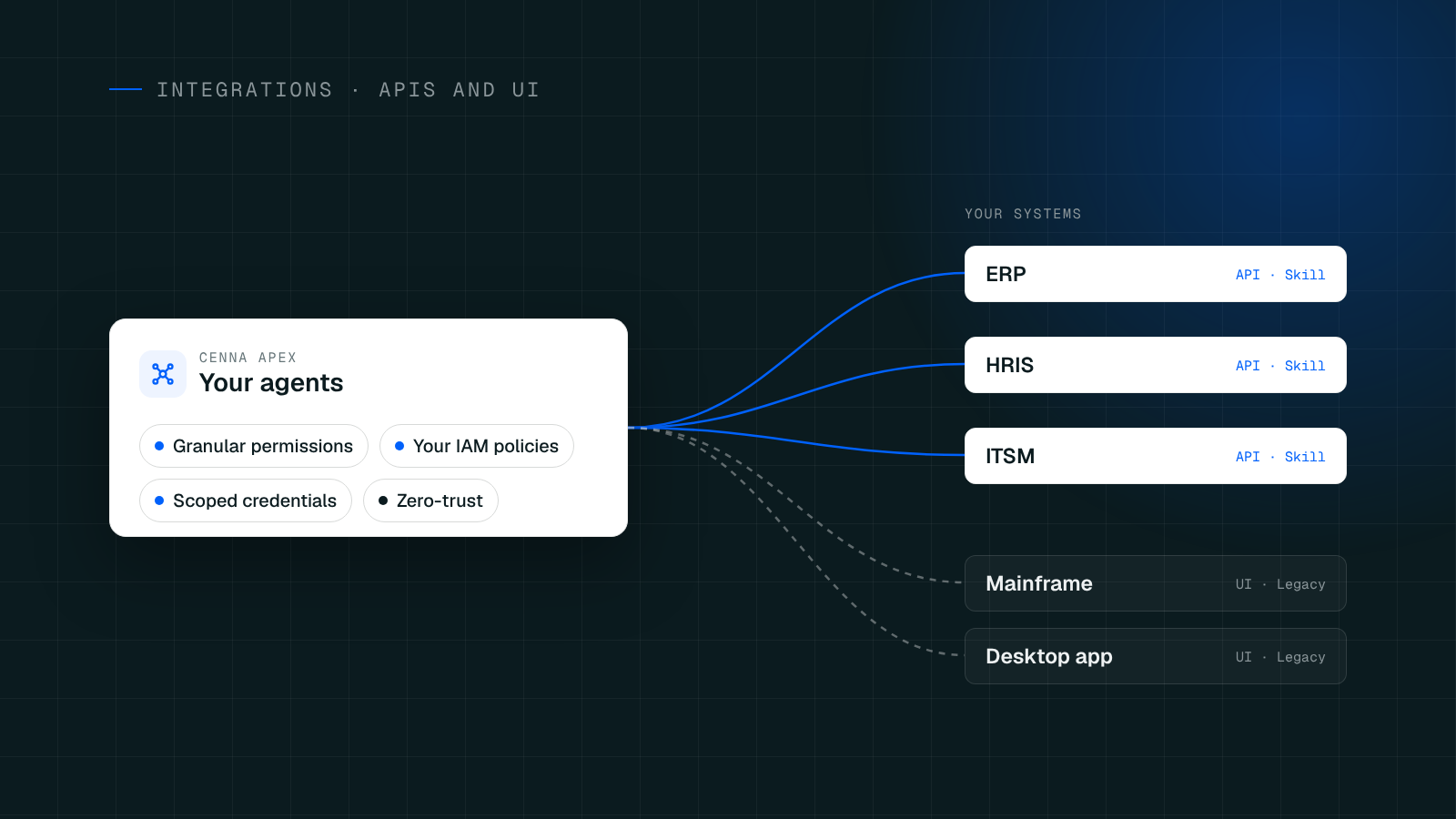
Cenna requires a deployment role (AWS IAM) or Service Account (GCP) that you create and control. Cenna assumes/impersonates it only to run the deployment and read health/cost metrics. It has no standing access to your underlying data, and you can revoke the binding at any time to sever the connection entirely.
Can we deploy into an existing or Shared VPC?
Yes. While Cenna can build the network from scratch, it easily attaches to existing subnets, Shared VPCs, and VPC connectors that your platform team already governs. It respects your existing landing zones and organizational policies.
Who pays for the cloud resources?
You pay your cloud provider directly, on your own bill, at your own negotiated enterprise rates. Existing commitments, committed use discounts, and scale-to-zero pricing apply exactly as they normally would.
Ready to see it in action?
Stop wasting engineering cycles on boilerplate cloud infrastructure. Let Cenna handle the deployment wiring so your team can focus on building powerful agentic AI workflows.
Get a Demo today to see a live, 30-minute walkthrough of a deployment into a real AWS account or Google Cloud project.